Flipping
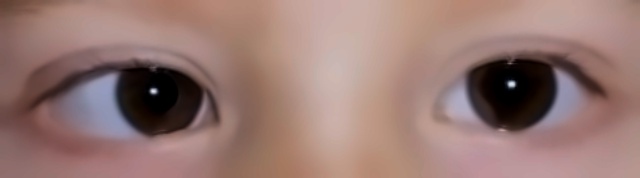
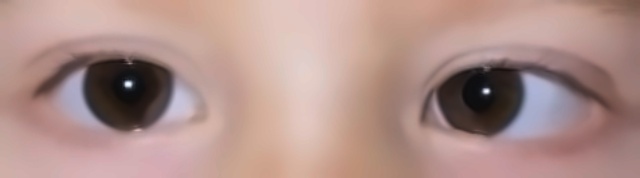
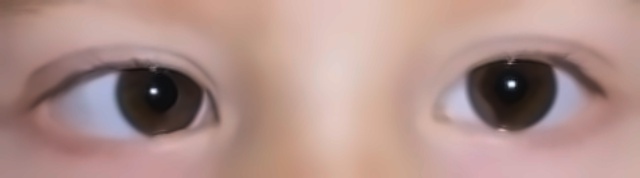
Horizontal mirroring shows the model eyes and gaze from both sides, so it doesn't learn that a turned eye is always on one particular side.
Step 4 of 6
Each training photo becomes ten: flipped, brightened, contrast-shifted and greyscale versions.
Try it
Augmentation teaches a model what doesn't matter. A photo taken in dim light, or mirrored, still shows the same misalignment; seeing those variations stops the model from memorising lighting and pose instead of eyes.
Only the 360 training photos were augmented. Validation and test photos stayed exactly as they were.
360
training photos
× 10
versions each
3,600
training images
Horizontal mirroring shows the model eyes and gaze from both sides, so it doesn't learn that a turned eye is always on one particular side.
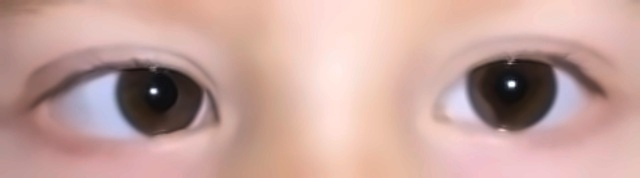
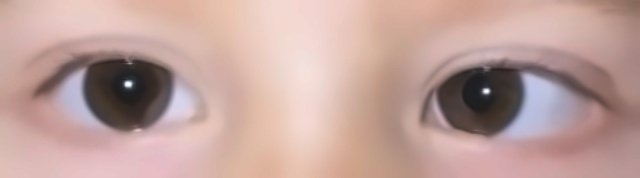
Brightness shifted by up to 20% either way, so photos taken in dim or bright light don't bias the model.
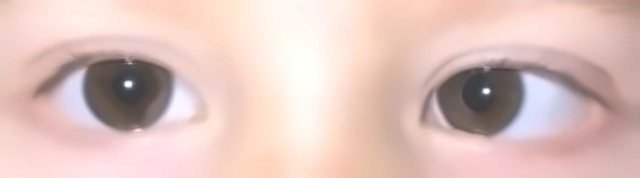
Contrast shifted by up to 20% either way, so important details stay recognisable in both flat and punchy photos.
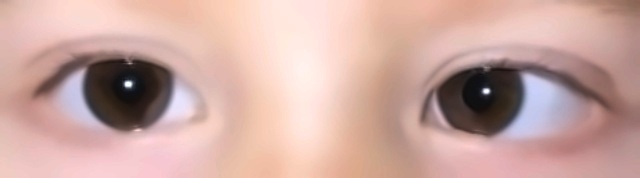
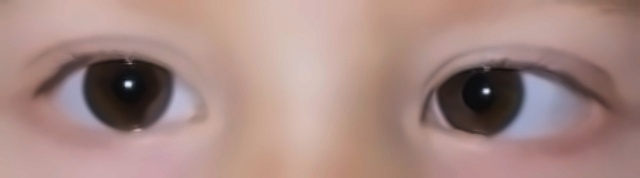
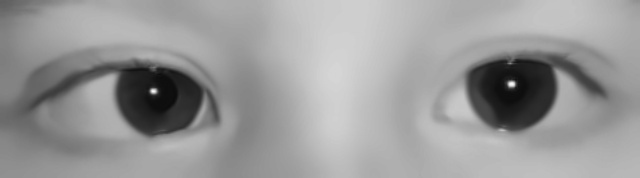
Colour removed, so the model relies on the shape and position of the iris rather than on eye or skin colour.
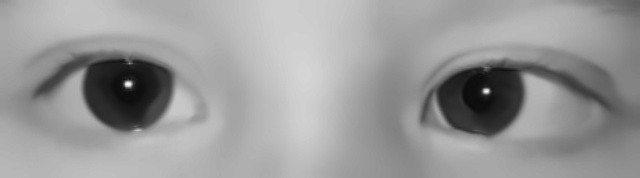
Our photo · Augmented
These are the actual files the models trained on, generated from our esotropia photo. Every training photo got the same treatment.